Blog
What you can highlight is an exit. What you can only refresh is a URL.
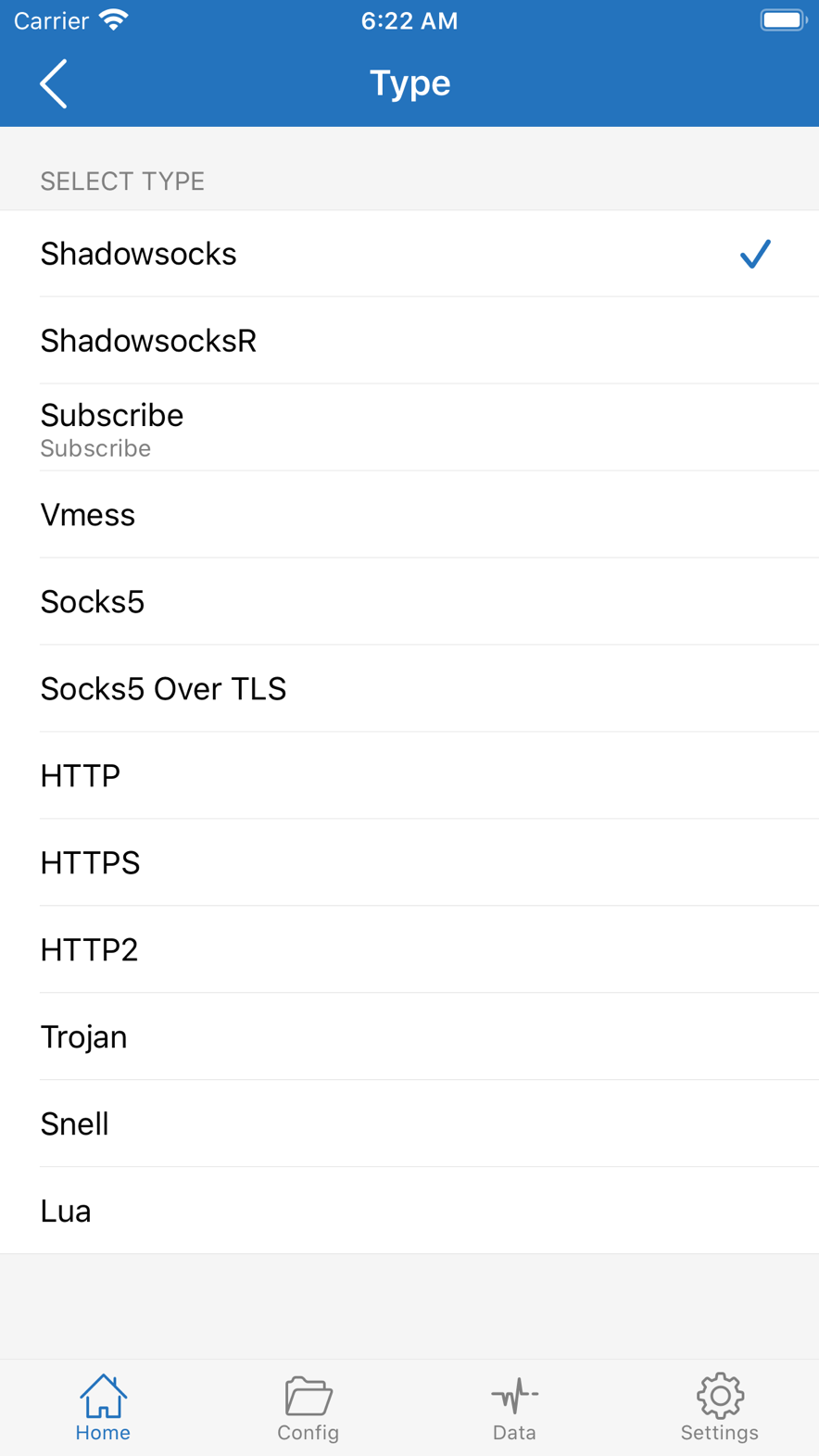
What you see in the home list is usually two kinds of thing. With the switch on, only the currently highlighted record is used. Subscribe is a container: it holds a URL; child records appear after a refresh. A rule configuration is a third kind, and it does not live in this column.
Three objects
They do not replace each other
Changing the highlighted row does not change rules; changing rules does not change the highlighted row; refreshing a container does not change FINAL. Treat the three as “three copies from one import” and every later isolation will scramble. Field-level detail is in Objects and Config; this post only treats one observational error: seeing an empty list, or seeing many rows, and concluding that an exit is ready or already broken.
A record has address, port, protocol, credentials, and transport. It can be highlighted. There is no “refresh” — if the remote changes port, this local row does not update itself; you edit it or delete and recreate. Type is this record’s identity, not a label. Choosing Trojan with a Shadowsocks password will save; the tunnel handshake will fail. Transport belongs to the record: the remote uses WebSocket and local stays on TCP; path, Host, or gRPC service name filled as another set — all save, none handshake. When isolating, treat “protocol type” and “transport” as two checks; do not only verify address and port.
SNI, whether to skip certificate verification, and fingerprint decide whether TLS can finish. Certificates also depend on system time: if time is not set automatically, every TLS record fails together, and swapping a row does not help. A record describes one exit. It does not contain rules, and it does not contain “after connect, automatically switch to another.” The millisecond number from the list probe only says whether this hop probes right now; see Data.
Container
Save and refresh are two steps
A container stores a URL. Saving does not download child records. Right after save, the set can be empty; for a container that is normal, not “the subscription is broken.” Refresh is what fetches; on success, returned content creates or replaces child records, which can then be highlighted like ordinary records. On failure it will not wipe rows that are already there — you still see the last successful set, which may be stale, but it is still there.
Refresh on open and background refresh both repeat “refresh.” Whether background can run also depends on the system allowing Background App Refresh, and on Low Power Mode. That is a System limit, not a container switch you left off. The refresh request follows the network path of that moment. If the switch is sitting on a dead record, the refresh itself can fail. Switching policy to Direct, or turning the switch off, isolates the path; it does not repair the URL. If the URL returns 404, 401, or an empty file, the client can only report failure; it cannot renew the link on the far end.
Opening a subscription URL in a browser often yields something that is not a web page. It is for the client to parse. If the browser can download bytes, the path is up and the link is still alive; if the browser cannot open it either, the problem is the network or the link, not Shadowrocket’s parser. ss://, vmess://, and trojan:// pack fields into one line; pasting the whole line into the add entry makes fewer UUID typos than copying by hand. Pasting the whole line into the single “server address” field is usually not parsed as a URI.
A scanned code may be one record, a container URL, or a configuration download. After save, see whether it can be highlighted: if it can, and the fields are host and port, it is a record; if you can only expand it and inside is a URL, it is a container; if it landed in the configuration list rather than the server list, it is a configuration. Scanning the same code twice can create two identical records. While connected, only the highlighted one is used; duplicate rows do not stack bandwidth, they only raise the chance of selecting the wrong one.
Refreshing a server container updates child records in the list. Refreshing a rule / configuration subscription updates the list file. The URLs can look alike; the objects are not the same. Refreshing a container does not change FINAL; refreshing rules does not change the highlighted row.
Many rows
While connected, only one is used
The list allows many records and many containers. While connected, only the currently highlighted one is used. Two containers do not load-balance, and do not auto-select “the row with the smallest probe number.” However small the probe, if it is not highlighted, the switch will not use it. Deleting a container usually deletes the child records it generated. If the current highlight belonged to that container, pick another row before you flip the switch again.
Manually copying a row out of a container into a standalone record means later refreshes will not touch that copy. If the remote changes port, the copy does not follow; you edit it yourself. That is the tradeoff between “freeze a row” and “keep following the URL.” Many containers put a token in the path. Appearing in a screenshot, a group file, or a public drive is handing over access to the child records. The client will not revoke a leaked URL for you, and will not tell the remote to rotate the link. Exported backups also contain credentials; treat them as secrets.
The app cannot extend a URL’s lifetime, pay a server bill, or turn a failed handshake into a working record. The System chapter files these under things the app cannot do, not under a missing setting. An empty list after install is also normal: the Store license does not include an exit; see Store.
Highlighting a container as if it were a record, or waiting for a record to refresh as if it were a container, operates on the wrong object. The first: you tapped a row that cannot be an exit, so the switch has nothing to handshake. The second: a handwritten record will never pull a new port from the remote because you pulled the list. The test is still simple: does this row have a host and port, and can it be selected as the current exit. If yes, it is a record; if not, and you only see a URL, it is a container. For a configuration file you still have to confirm in another entry which one is checked. After you have looked at all three, then ask why the page still looks the same.