Blog
Watch which counter moves, not whether the icon is on.
The status-bar VPN mark only means the extension is running. With policy on Direct, the mark can still be on while every byte leaves on the system path. To ask “did this visit enter the current record,” you can only look at Data.
Four signals
Each answers a different question
The home screen lights several things at once: the switch, policy, Data, and the millisecond numbers beside the list. Eyes collapse them into “connected” or “not connected.” That is where the misread starts. The four signals are independent. Treat any one as an alias of another and every later judgment inverts. The full isolation is in the manual’s Data chapter; this post only splits Data out, and why it is worth more than the icon.
The switch answers: is Network Extension running. Sitting on, with a VPN icon, only means the tunnel layer is up. Policy answers: after traffic is in the tunnel, should rules be asked. Config runs rules, Proxy forces the current record, Direct forces the system path. The list probe answers: does this hop probe right now. Data answers: of bytes that already happened, did they take Direct or Proxy. Four questions in one glance, and looking only at the first, produces “already connected, why still broken,” a conclusion you cannot act on.
The VPN icon is especially easy to trust wrongly. It is bound to the switch, not to policy. Under Direct the icon can be on while requests still leave on cellular or Wi-Fi, never touching the record you highlighted. Treating the icon as proof that “it used the node” substitutes the tunnel’s existence for use of an exit. How the tunnel starts is in Tunnel.
Two counters
Data counts bytes that already happened
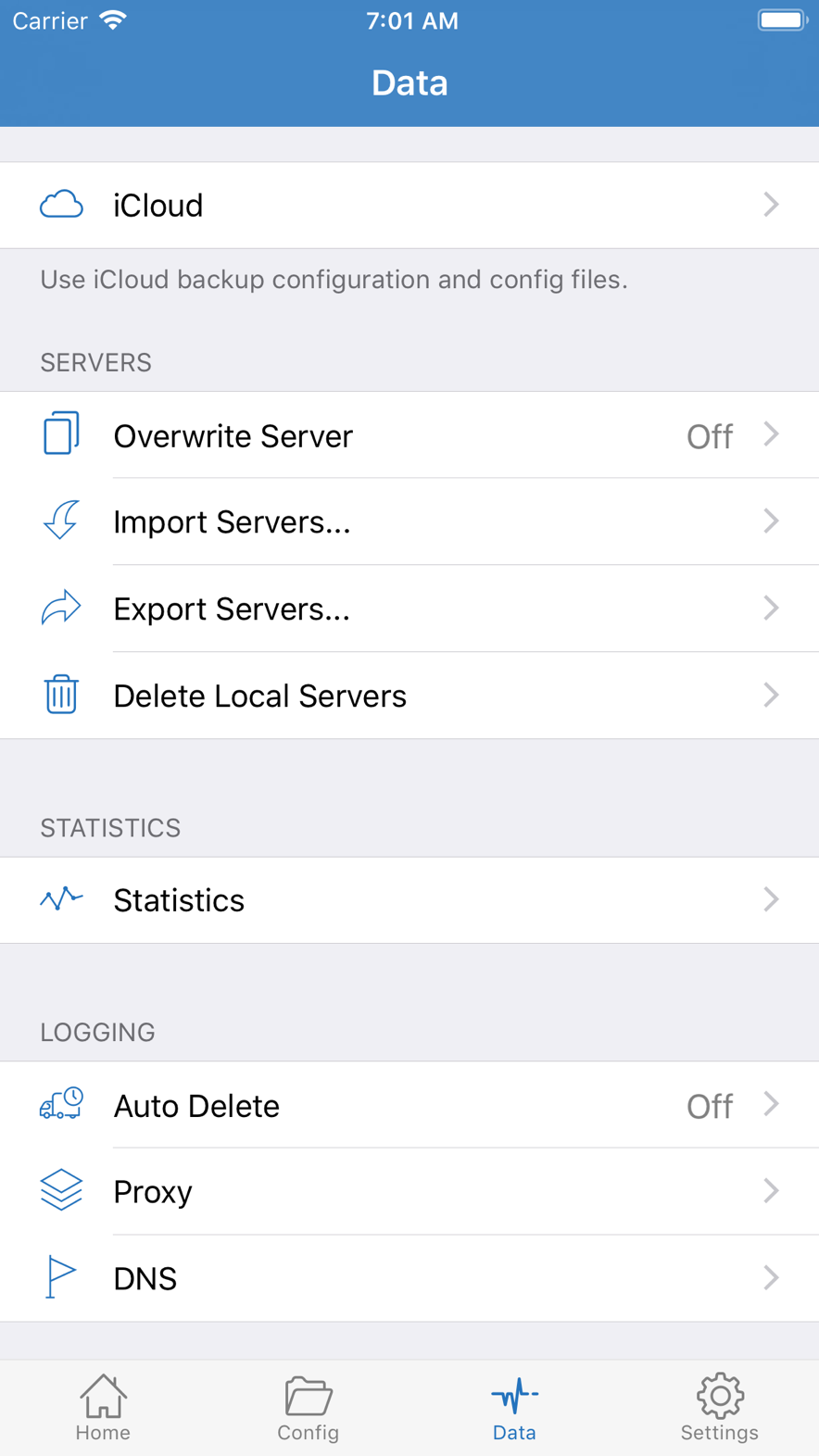
Data has two counters, named Direct and Proxy. They are written on the device and count bytes that already happened. They are not plan remaining, they cannot see how much quota is left in any third-party account, and a reset starts from zero without moving remote quota. Treating Data as “how many GB the node has left” produces unrelated decisions when the number is large or small.
After one visit, only one side should rise clearly. Visit a host you believe should enter the current record, then look immediately: Proxy rose, so bytes entered this record. If the page still fails, the problem is usually the far end, DNS, or this App refusing the tunnel — not “it did not use the node.” Editing rules then is repairing a path already proven to use the record. Only Direct rose, so the request stayed on the system path. If you expected the record, see whether policy is Direct, or whether under Config a rule wrote DIRECT / REJECT first. See Rules.
If both barely move: the request may never have entered the tunnel — the switch did not hold, there is no usable VPN configuration, another VPN holds the slot — or there is no outbound at all, such as Airplane Mode, an unfinished captive page, or an app spinning on a local cache. Look at the switch and System before you doubt the record.
A REJECT hit usually does not push the counters the way a successful load does. The app errors, Data is quiet, and it looks like “the node has no traffic.” Switch policy to Proxy and visit once more to separate “a rule dropped it” from “the record failed handshake.” The former works under Proxy; the latter still fails under Proxy.
The two counters only split left and right; they do not say “which record.” Proxy numbers from before you changed the highlight remain; they are not zeroed per row. To attach a count to a row, reset first, then fix that row and make one visit. Opening ten pages and then looking at totals can move both Direct and Proxy, with no way to map them to one visit. Isolation granularity is “one visit,” not “an afternoon.”
Isolation
Fix one row, change only policy
After you pick one row in the list, switch Direct → Proxy → Config. Do not also swap the record, edit FINAL, or refresh a container. Under Direct, local visits and the captive login page should work; if there is already no network here, fix Wi-Fi, cellular, or the login page — it is not the record. Under Proxy, a host expected to use the record should open: the tunnel and this record work at the app layer; if it still cannot, the problem is the record or the far end — do not start with rules. Config only after Proxy has proven the record works, changing one condition at a time, using Data to see which side the count sits on.
The point of this order is attribution. Direct fails, fix the local network. Proxy fails, fix the record. Config fails while Proxy works, fix rules. Doing all three at once lets every on-screen change be explained by the other two variables — which is no explanation. The manual puts the same order in the Data chapter. This post only stresses: the icon takes part in none of the three steps.
The list probe usually only walks this hop’s handshake; it does not load the site you are using. Probe succeeds, page fails: this hop probes now; failure is DNS, rules, the far-end site, or that App refusing the tunnel. Probe fails, some pages still open: those pages may have taken DIRECT. Look at Data, not at milliseconds.
If system time is not set automatically, TLS fails in batches, the switch looks wrong on every record, and probes fail with it. Turn on Set Automatically before you talk about records. When the destination is IPv6 and rules only list IPv4 IP-CIDR, the request falls to FINAL and looks like a rule that “sometimes works”; see DNS. If another VPN is connected: the system may not hand traffic to this extension. A lit switch does not mean bytes entered Shadowrocket, and both Data counters stay still.
Icon on, probe small, page fails, Data rises only on Direct: all four can be true at once. Looking only at the first produces a conclusion you cannot act on; looking at all four, this visit was left on the system path by policy or rules. The next step is to fix that row and change only policy — not to buy a new record, or import a new list.
Another common misread: treating Data’s Proxy number as “how much plan I used today.” That number only says how many bytes this device once sent into the current record or previously highlighted ones. It is not split by site, and it does not zero by date unless you reset it. After you swap a record and visit again, the new increment stacks on the old Proxy. To answer “does this row work,” you must reset, visit once, and see which side moved. No reset, swapping rows, several apps open — you get a muddled total that cannot convict any row.